
Start making right now!
Ready to build your journal? Jump straight into the app and start laying out pages.
app.giraffeyjournal.comWhat is Giraffey Journal?
Track habbits, record achievements, see your progress! Giraffey Journal creates cleaned, printable layouts to help you make a fantastic bullet journal.
New layouts are added regularly. Have an idea for one? Send suggestions to suggestions@giraffeyjournal.com.
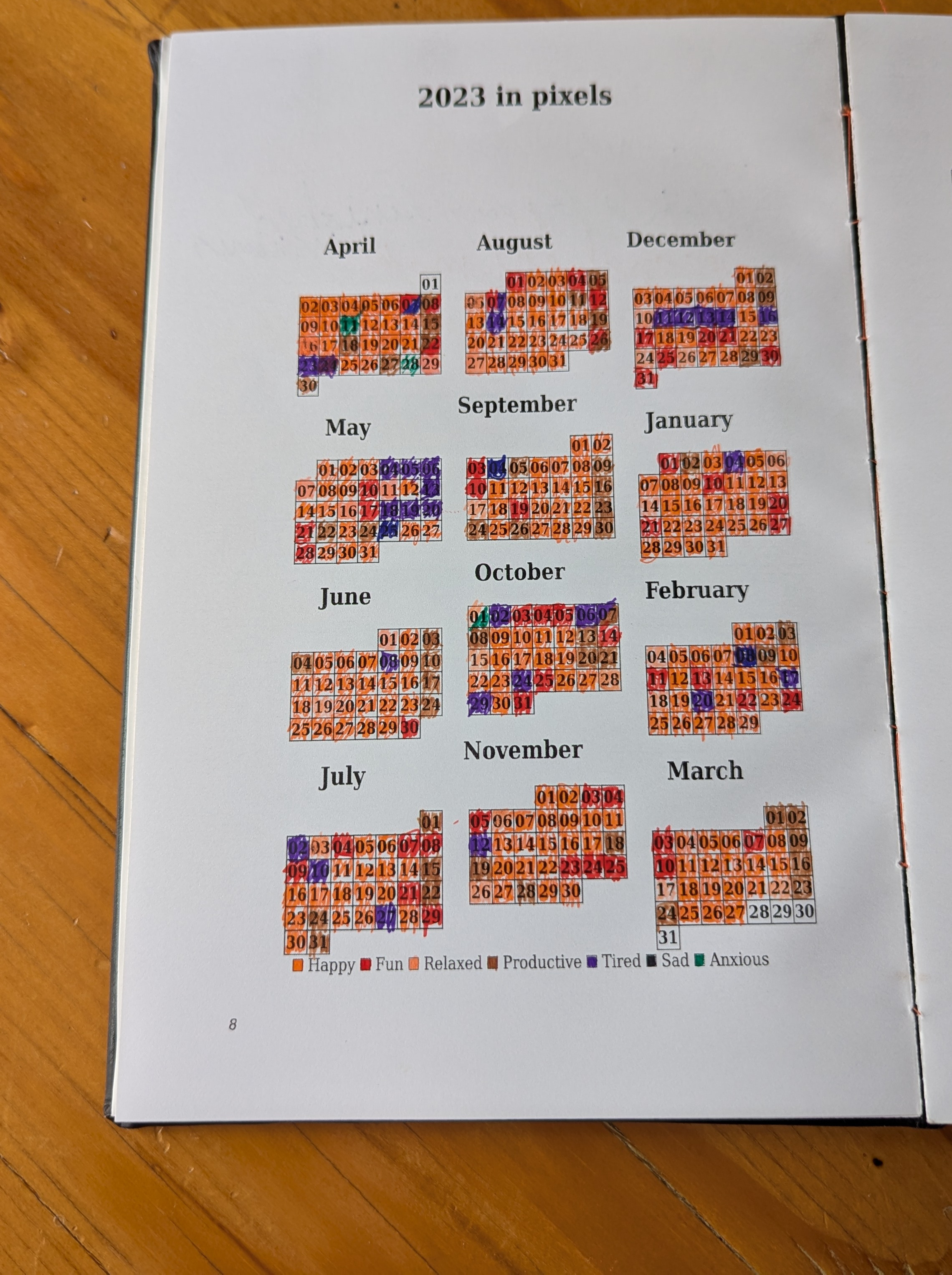
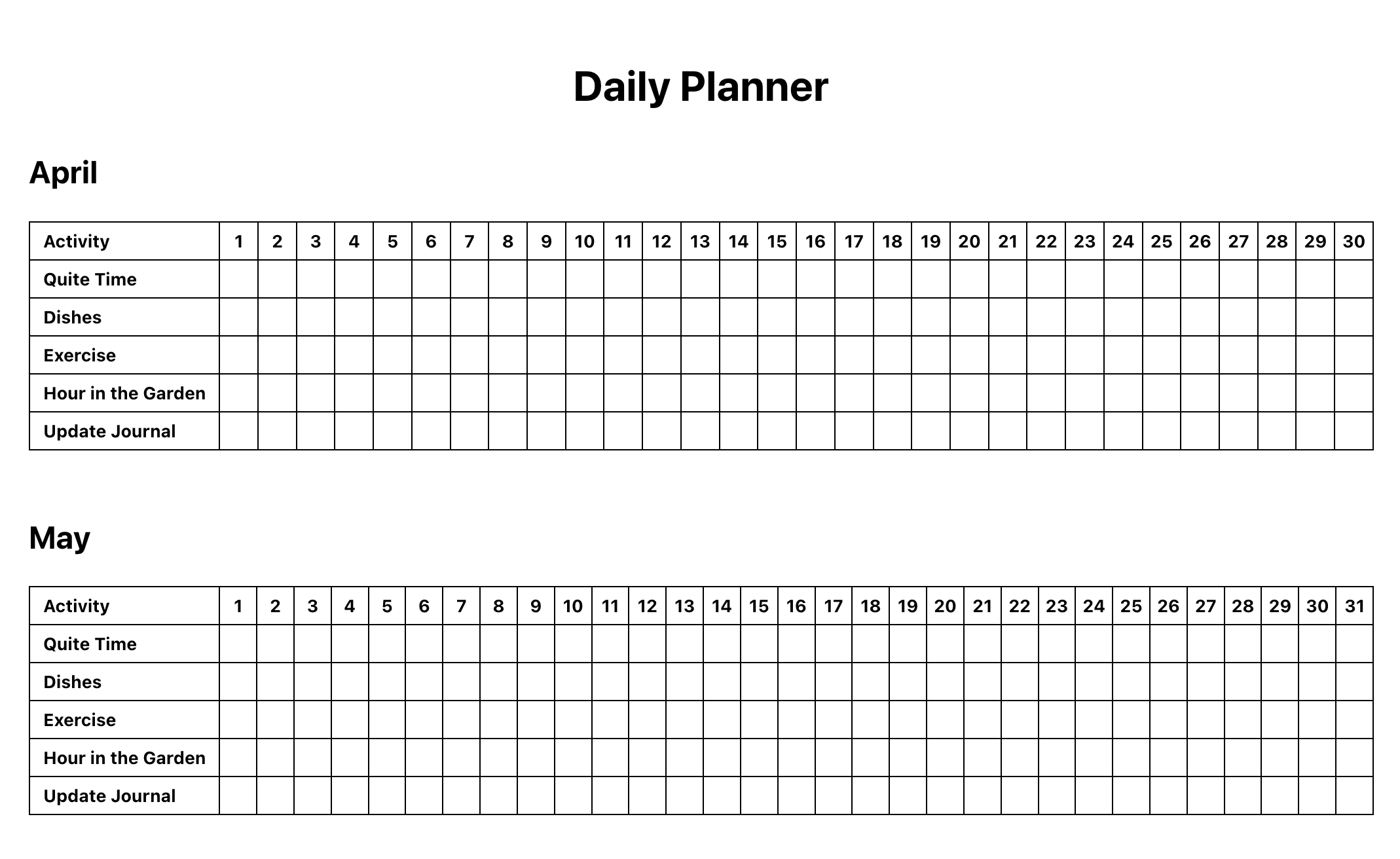
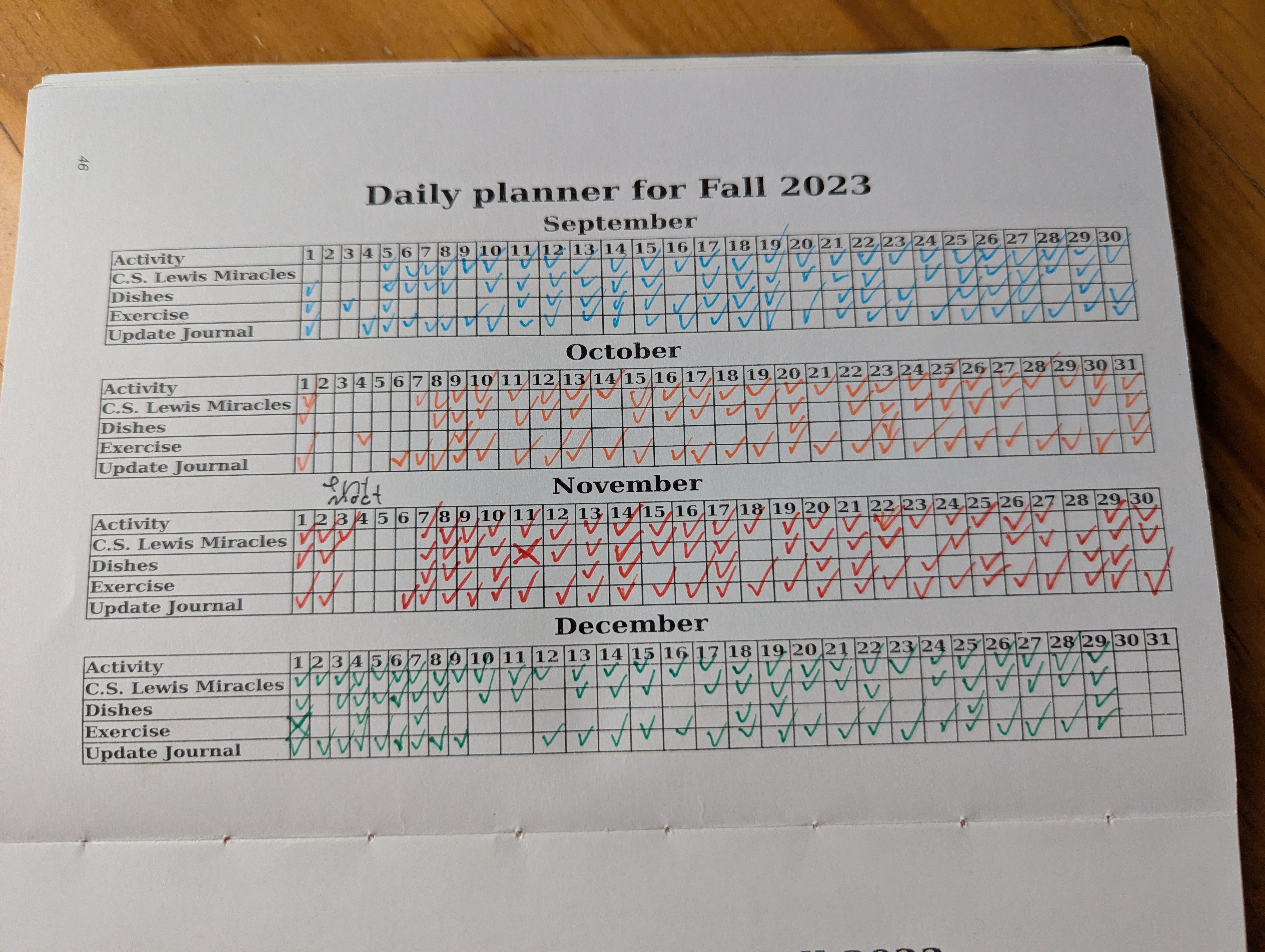
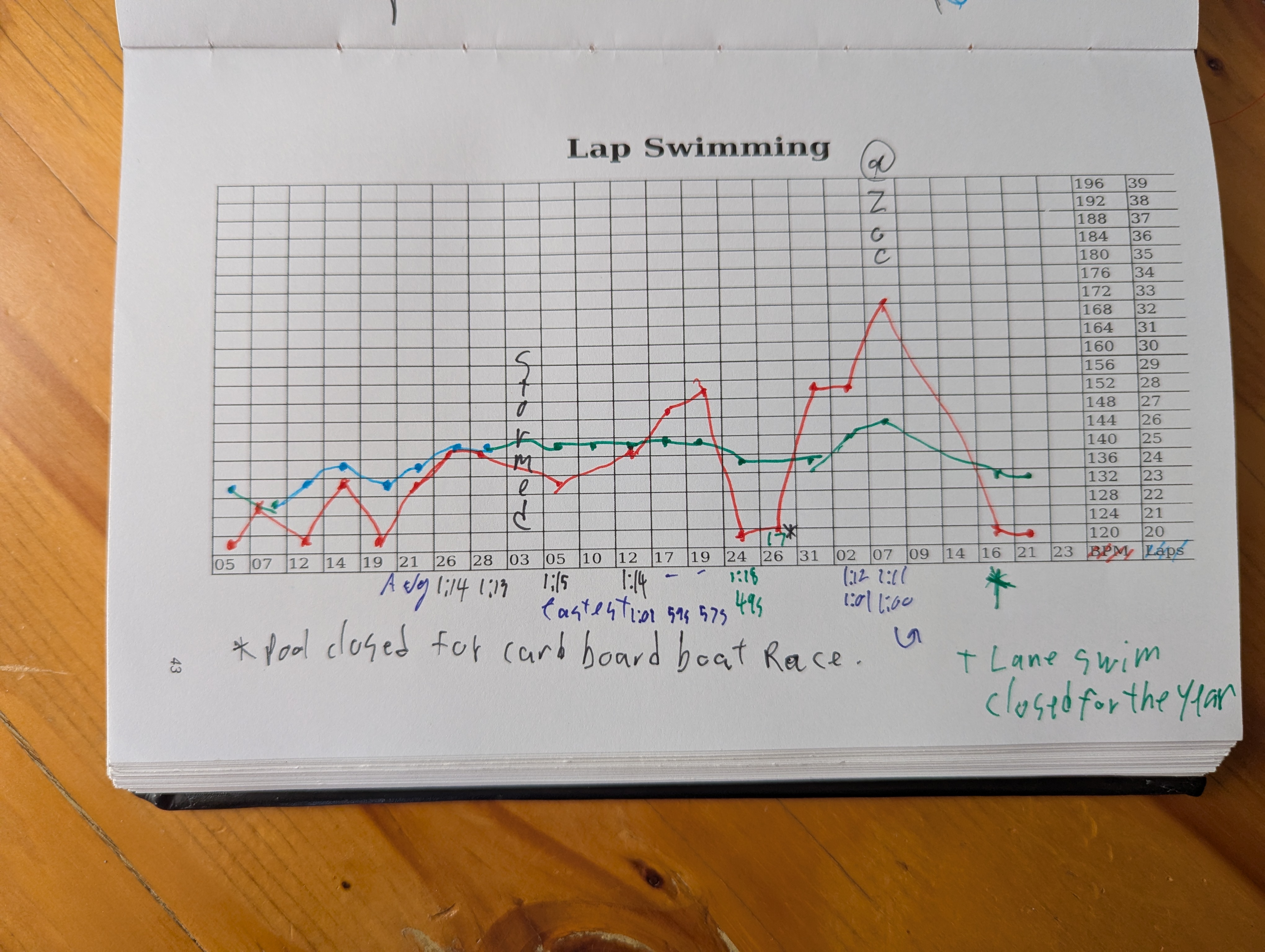
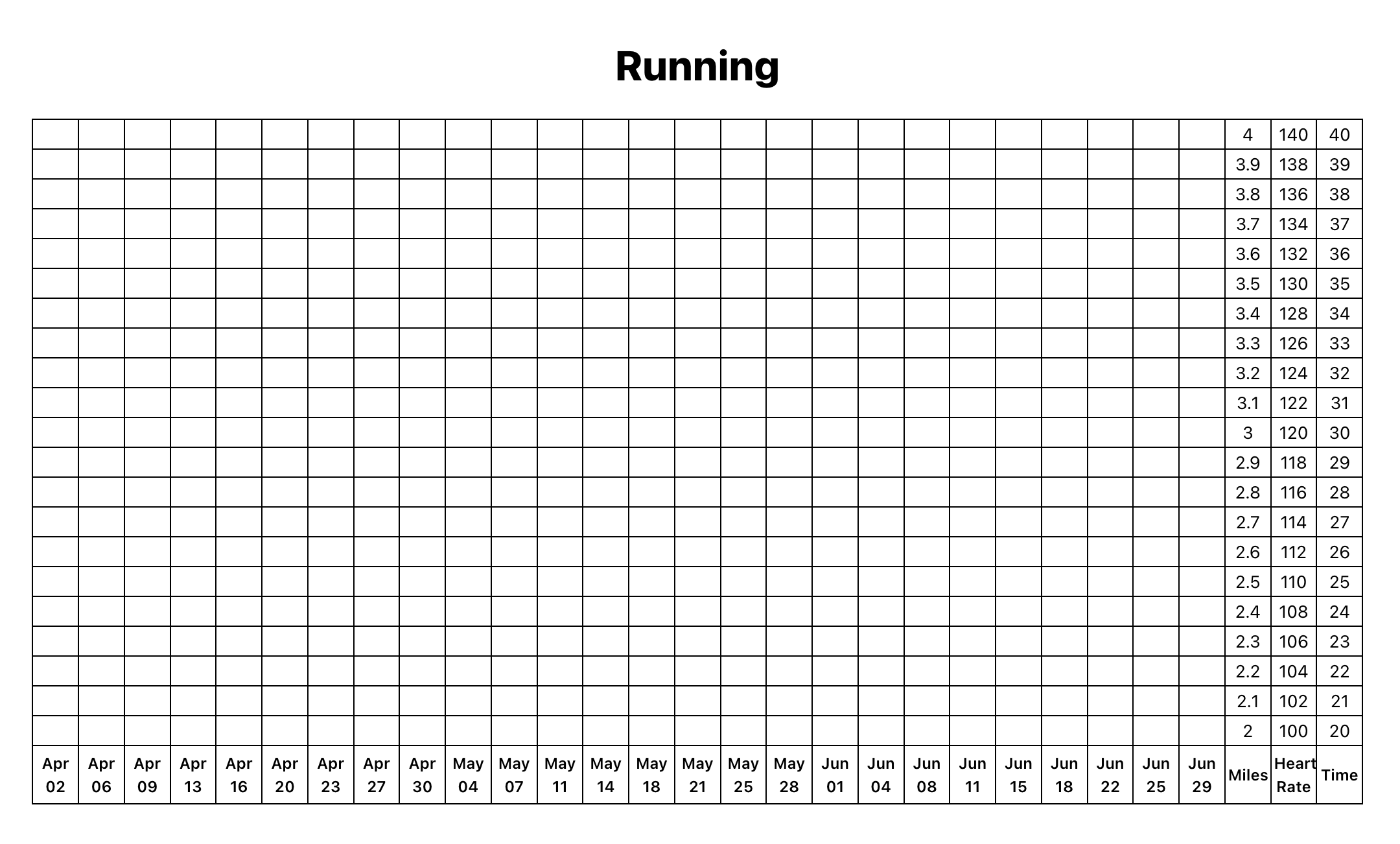
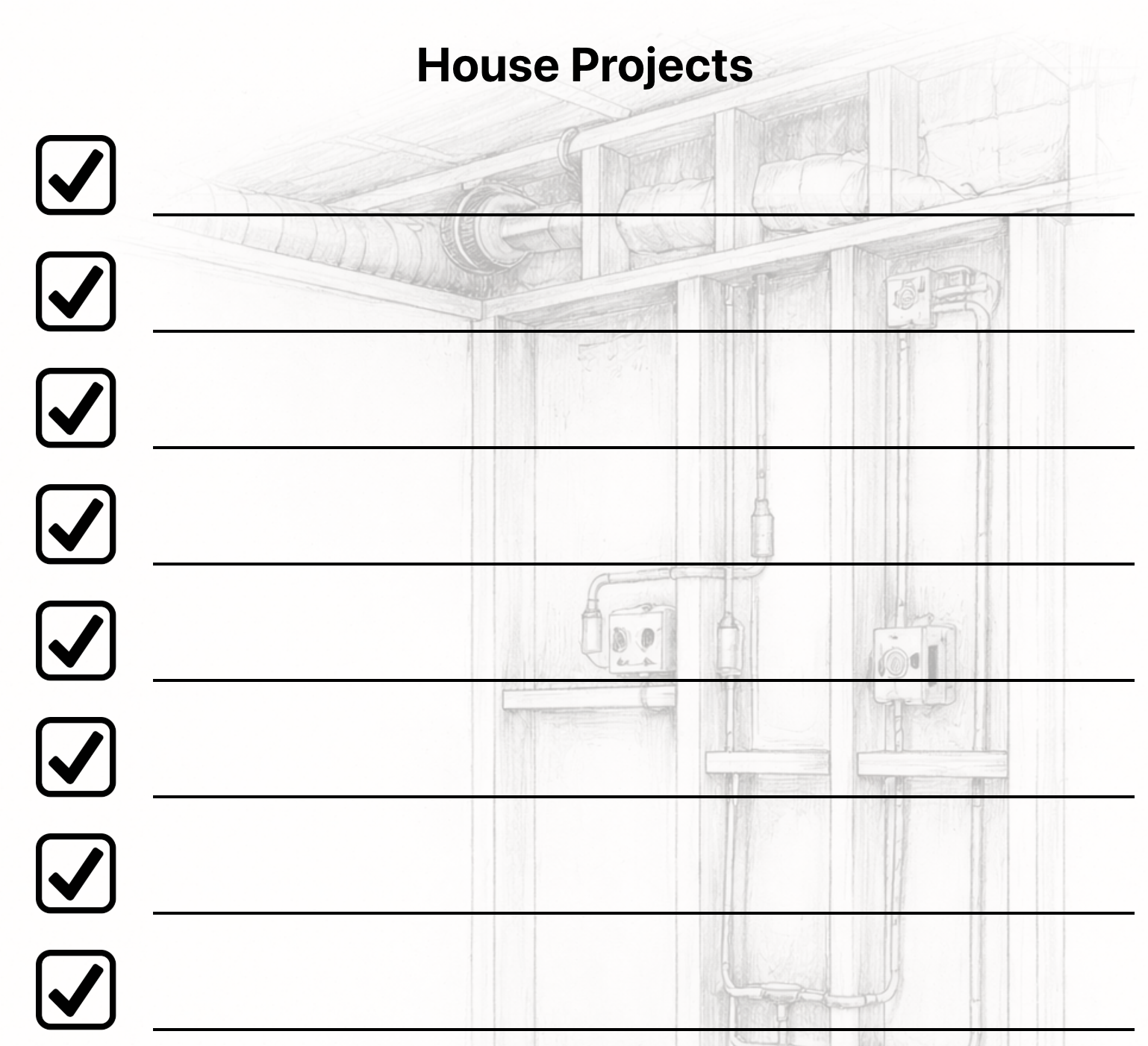
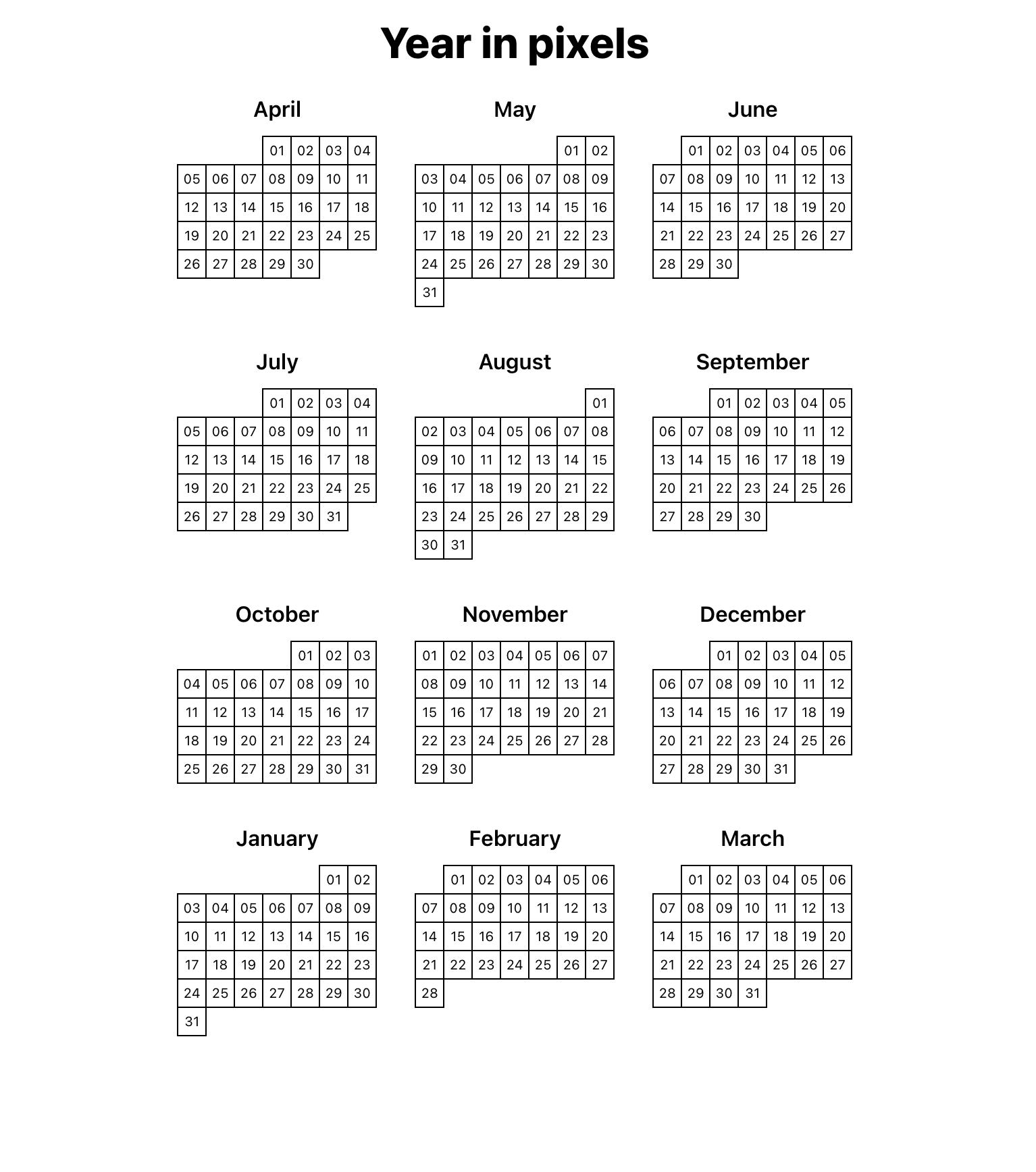
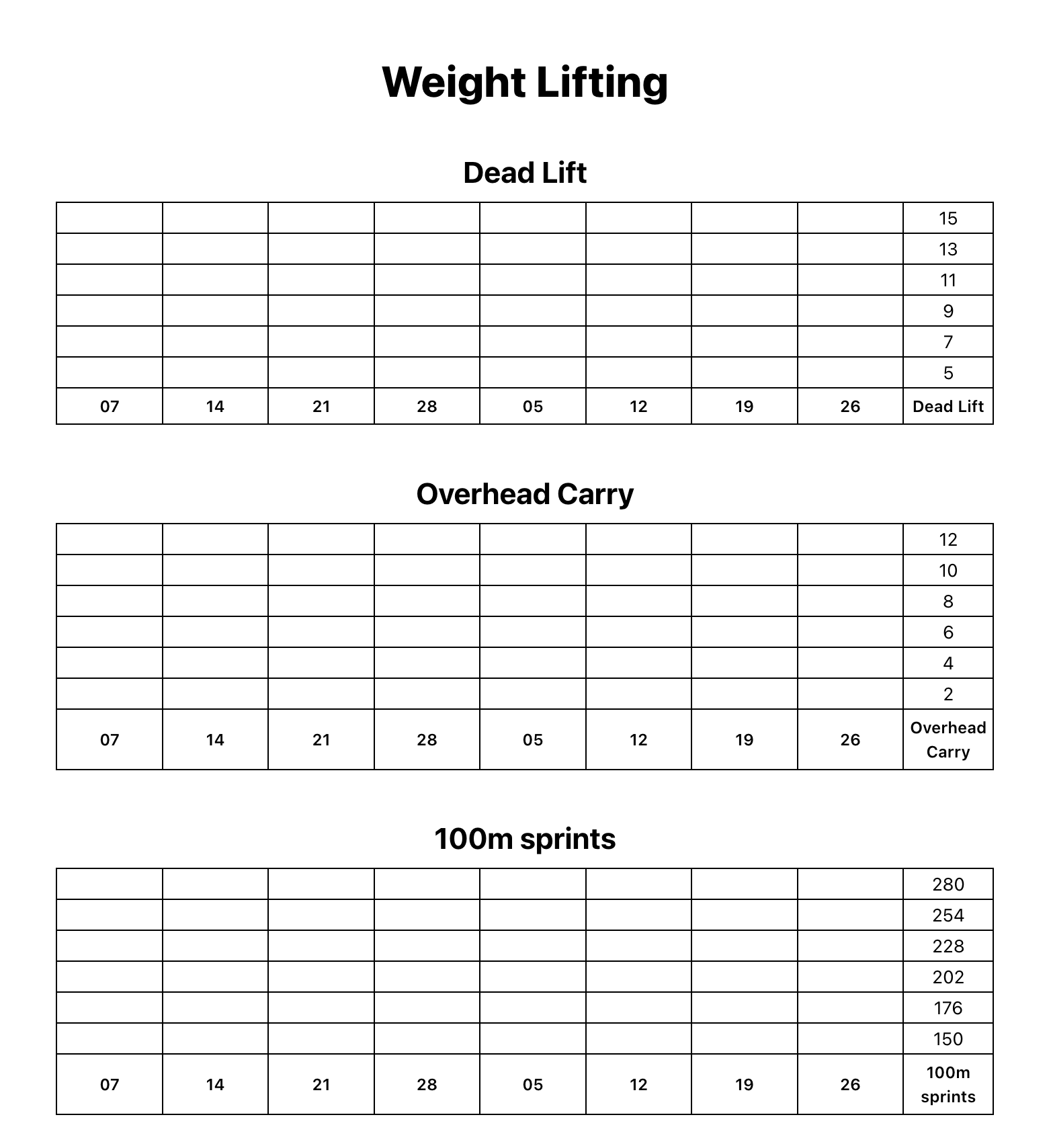
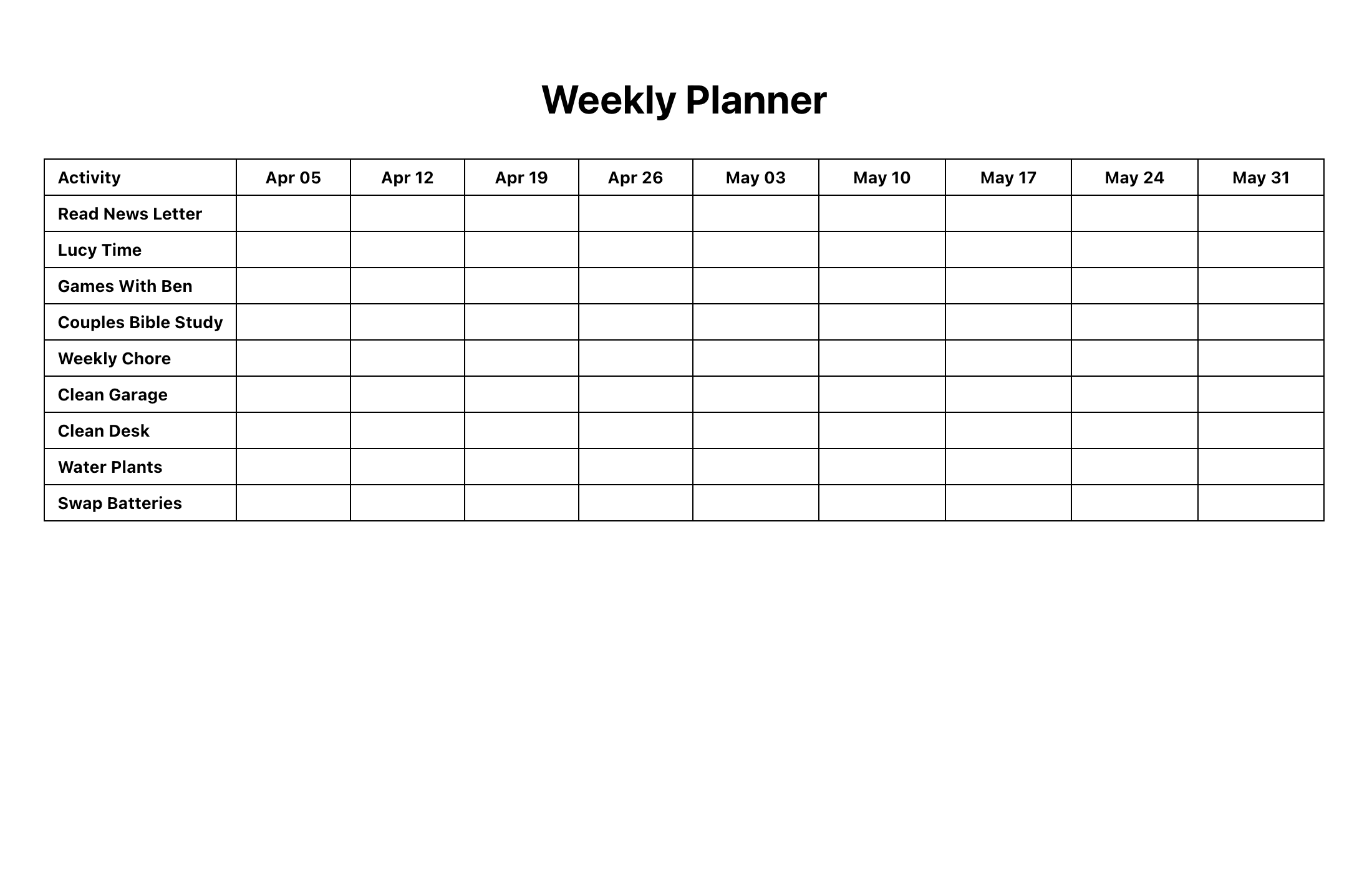
Clear layouts, ready to print
Bullet journaling is powerful, but drawing the same layouts again and again can get tedious. Giraffey Journal generates clean, dependable layouts so you can focus on using your journal.
Giraffey Journal - How I Make My Journals
I love bullet journals. They help me stay focused, keep track of what I've decided to do, and make room for the things that matter most.
But I got tired of drawing the same layouts again and again. It took time, and it was easy to make mistakes.
So I did what any programmer would do: I wrote some software to generate my journal pages.
Over the years I refined the tool as I used it and discovered ways to improve it. Eventually I decided to make a bullet journal with a new goal--share the software with others. In fact, creating this site was literally a checkbox in one of my own journals.
That project eventually became Giraffey Journal.
Because it grew out of my own workflow, the tool is a little opinionated. I was heavily inspired by CGP Gray's video on Themes
I'm sharing it now completely free to use. It's a small hobby project that grew out of my own journaling workflow, and I hope it proves useful to others.
Feature Highlight
Fully Customizable
Create pages that match your workflow.
Print-Optimized
Clean layouts designed to print perfectly.
Fast
Generate pages in seconds.
Minimal
No clutter, no distractions.
How it works
Create a journal
Start by creating a new journal. Give it a name and choose a date range to define the scope of your journal.
Add pages
Inside your journal, add pages using the + button. Choose a layout, customize it, and Giraffey Journal will guide you through the rest.
Export your journal
When you're ready, export your journal as a PDF. You can track the export progress and download it once it's ready to print.
Use variables (advanced)
Variables let you define values once--like date ranges or labels--and reuse them across pages. This keeps your journal consistent and helps prevent mistakes.
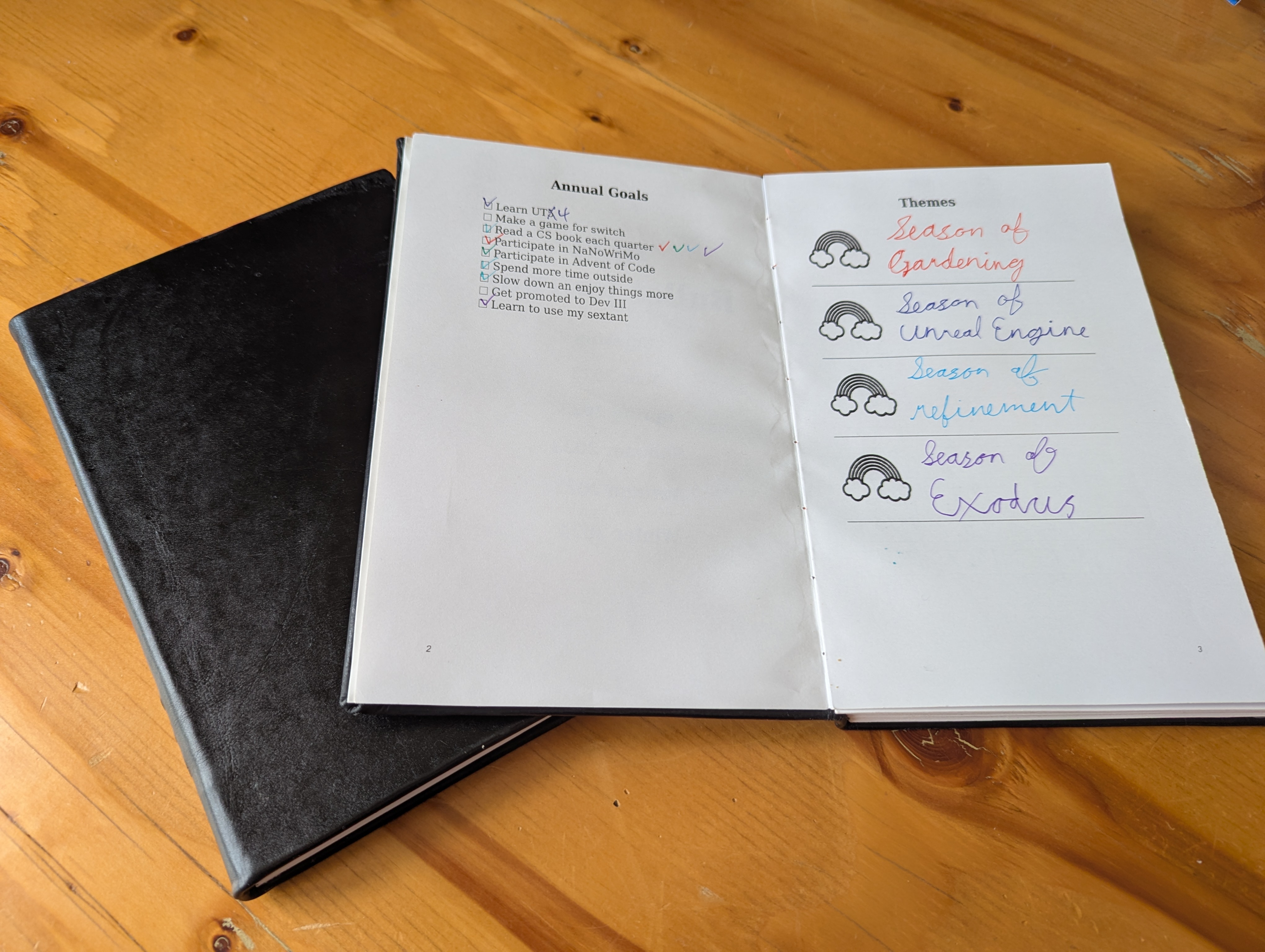
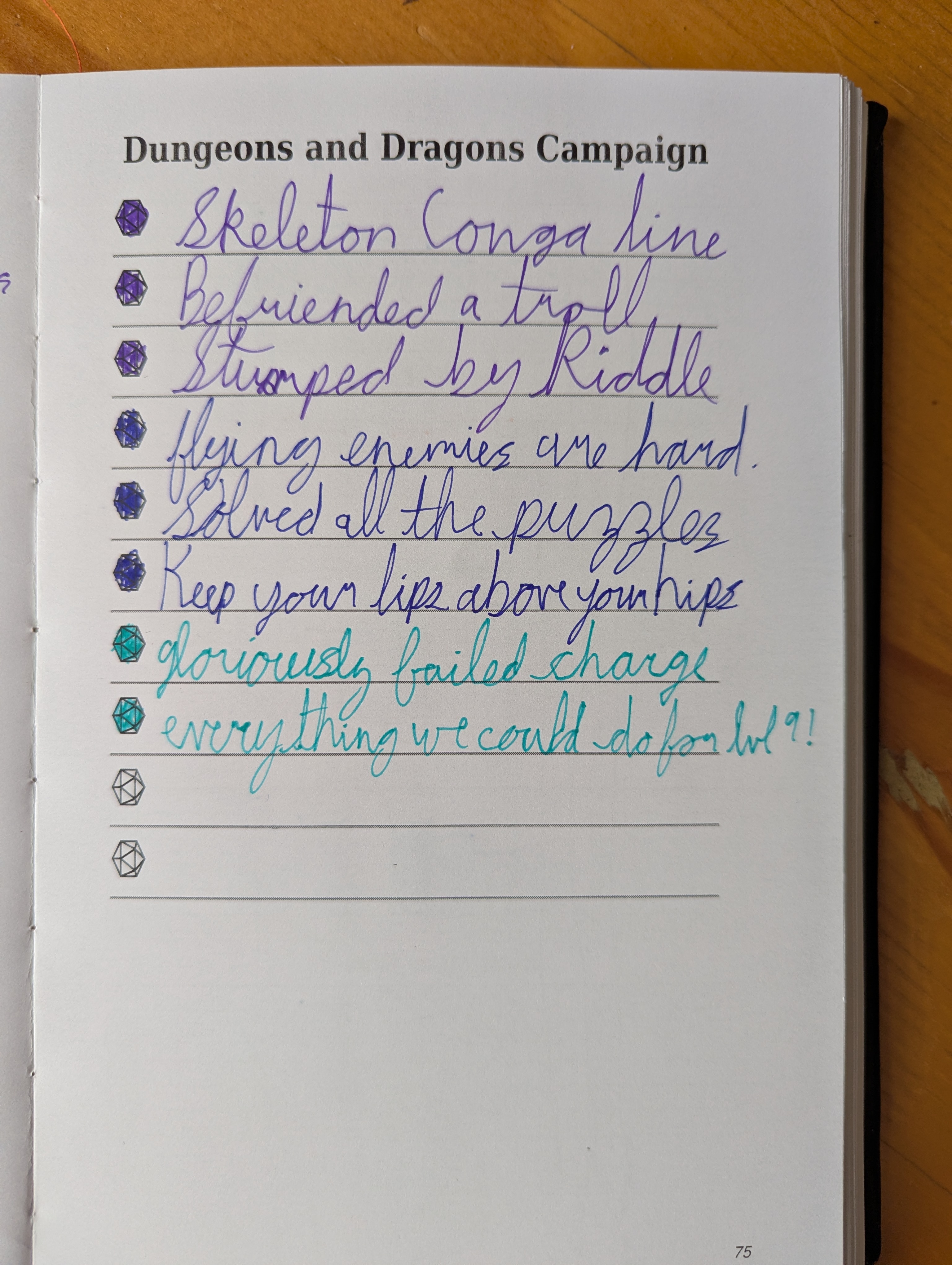
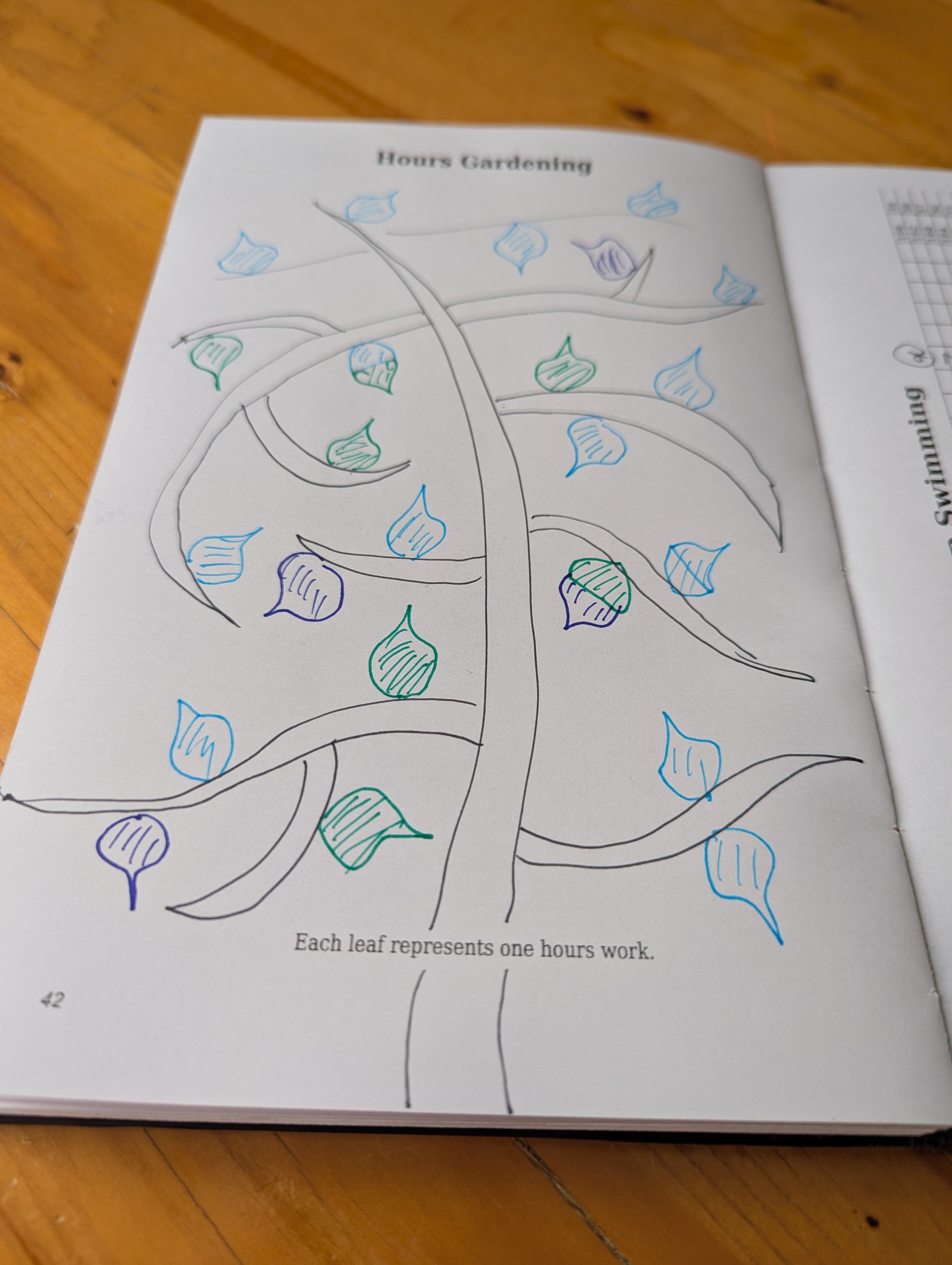
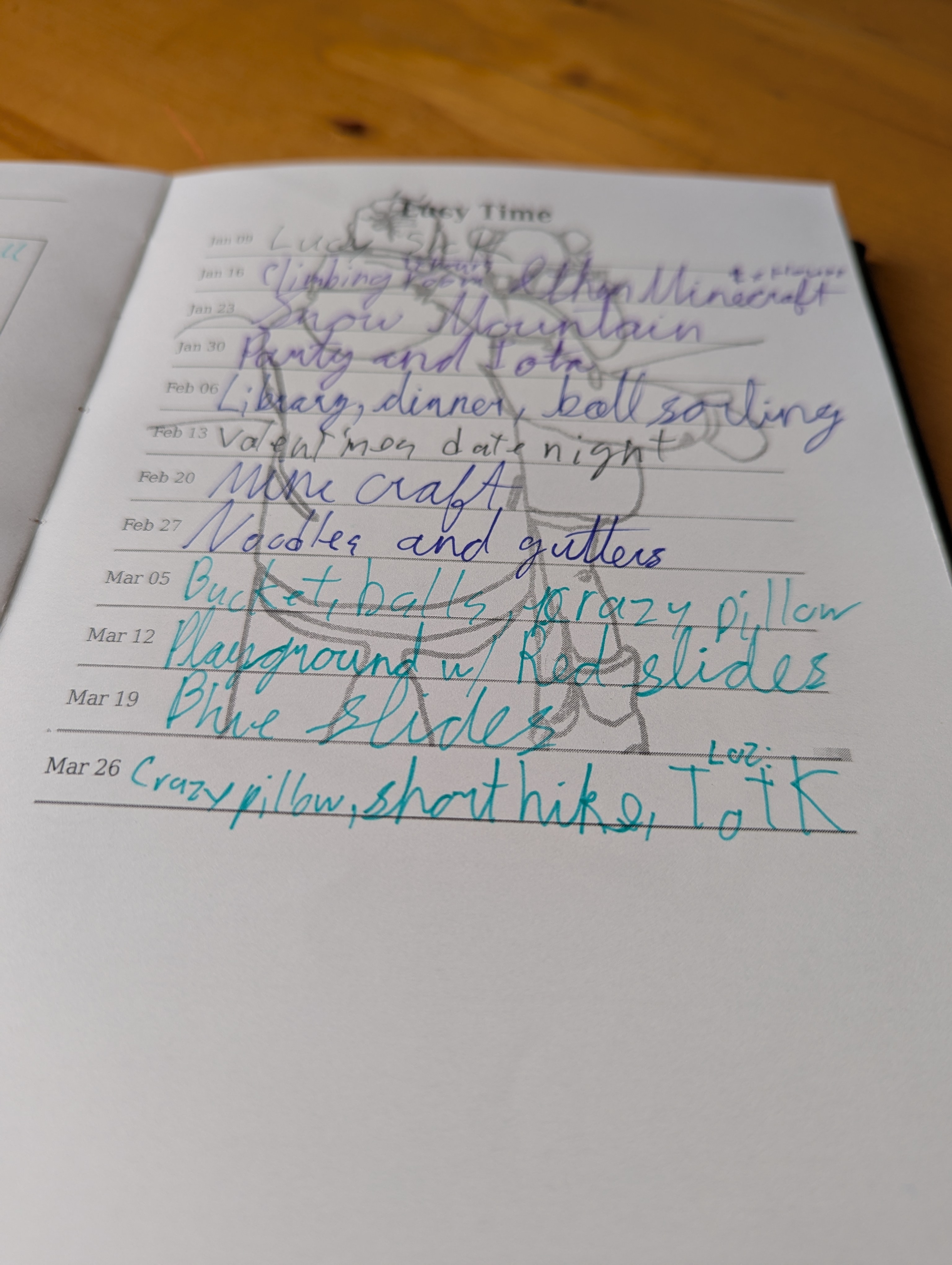
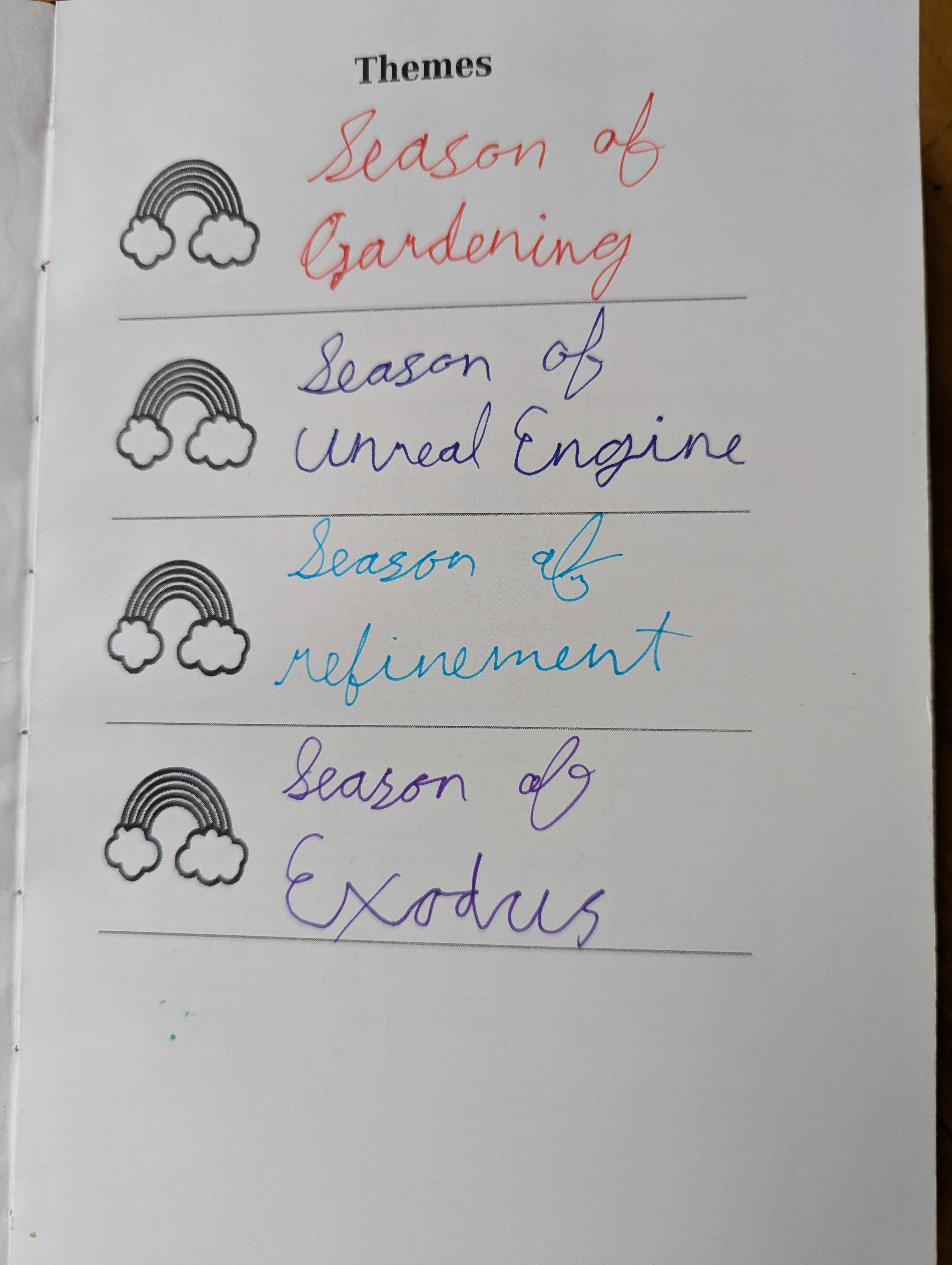
What does it look like?
Here are some pictures of some of my journals.
Awesome, how do I get started?
Go here! Happy journaling.
app.giraffeyjournal.comFrequently Asked Questions
Do I need design skills?
Nope! The layouts come pre-defined. All you need to do is tweak the values.
Can I print in A4/A5?
Not currently. This tool was originally built for my needs and my needs were pages printed in letter. If there is interest in printing A4/A5 it could be arranged though!
How is this free?
This is a hobby tool I wrote for my own use. I decided to make it available to all for free for the experience of setting up a SaaS offering. It's still not something I would feel right charging people for. It needs a lot of polish yet. But if you would like to support me on ko-fi.
What is it?
An all in one bullet journal maker, exporter, celebrator for people who love tracking habbits but doing so on physical paper that they can keep with them forever and ever and doesn't have ads and because of that is the awesomenessest.